
Skip to content

Mobile app

The same account, on your phone.

The FLO app for iPhone and Android puts Inbox, Calendar, Chat, Cloud and Live in one place. It signs in to the company account people already use, so the mail, meetings and files are the ones they see in the browser.

On its way to the App Store.

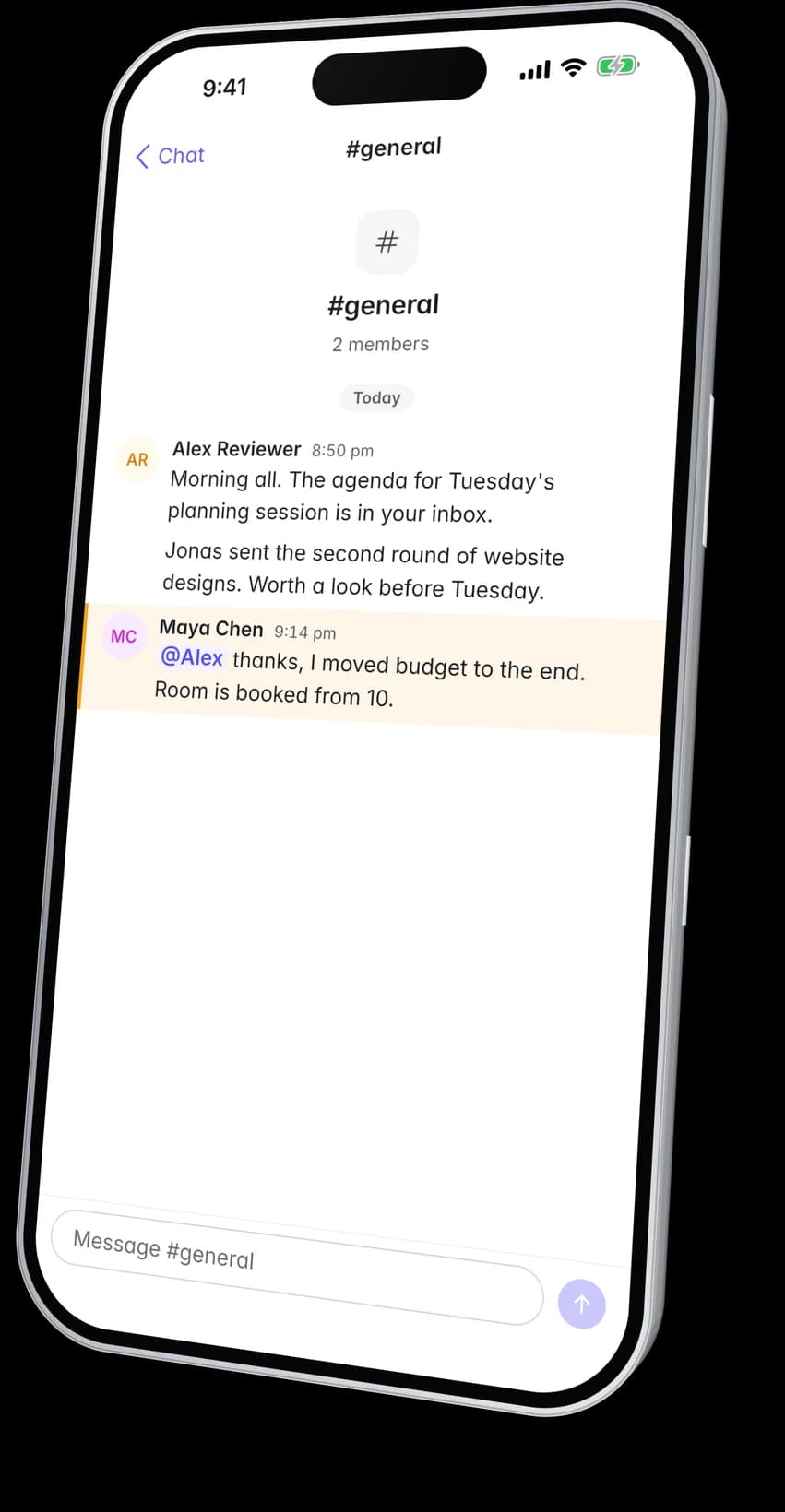
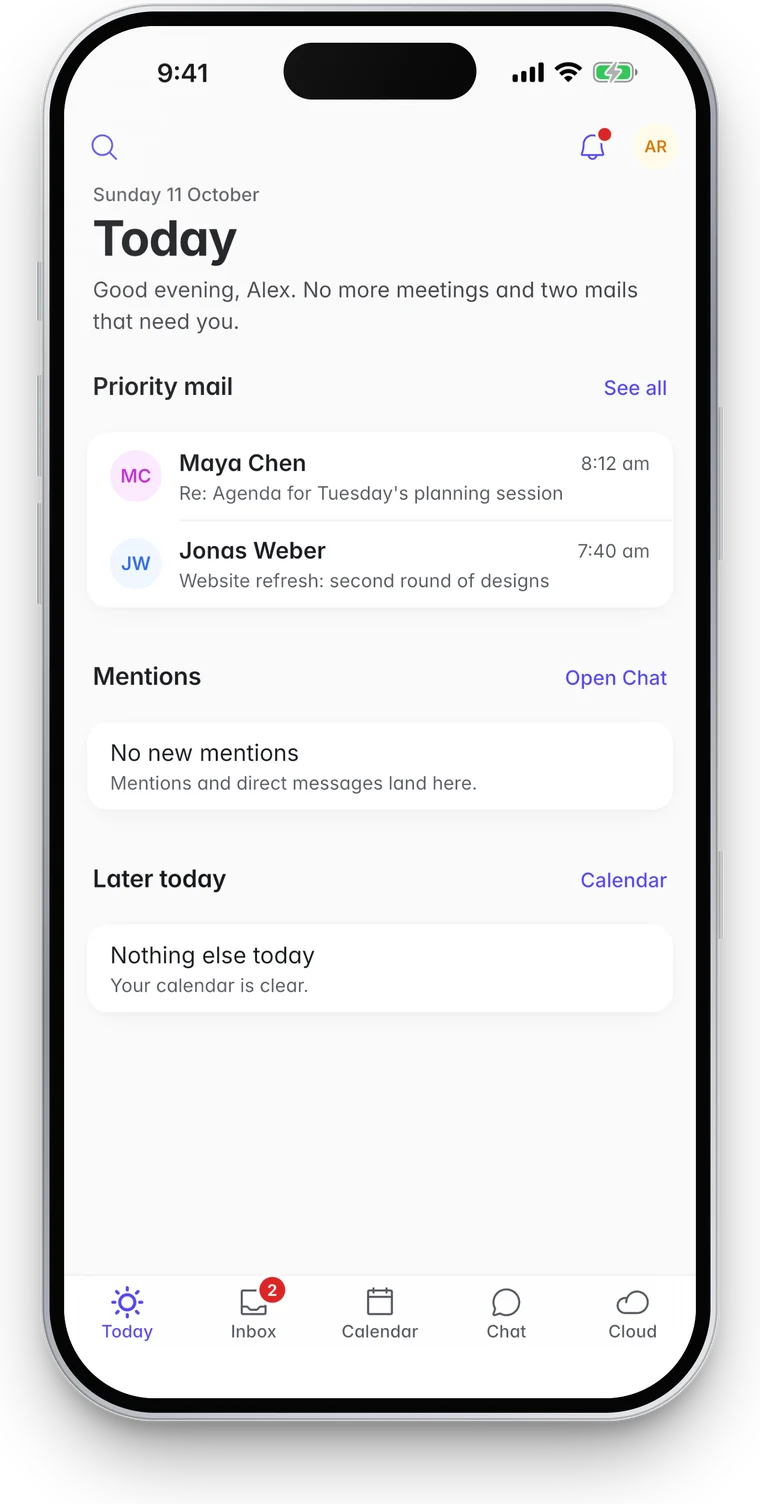
FLO Calendar on a phone showing three days of meetingsChat in the app, open on the #general channel with a message that mentions youThe Today screen in the FLO app with priority mail, mentions and the rest of the day

Inside the app

What it does, screen by screen.

Mail, events and messages are kept on the phone, so they open at once and without a connection. Anything you send while offline leaves when the connection returns.

Inbox

What matters lands first.

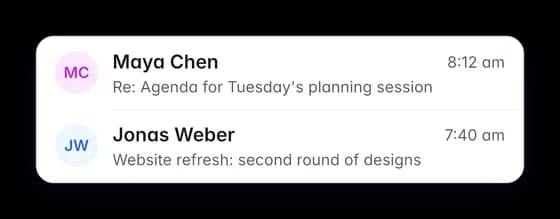
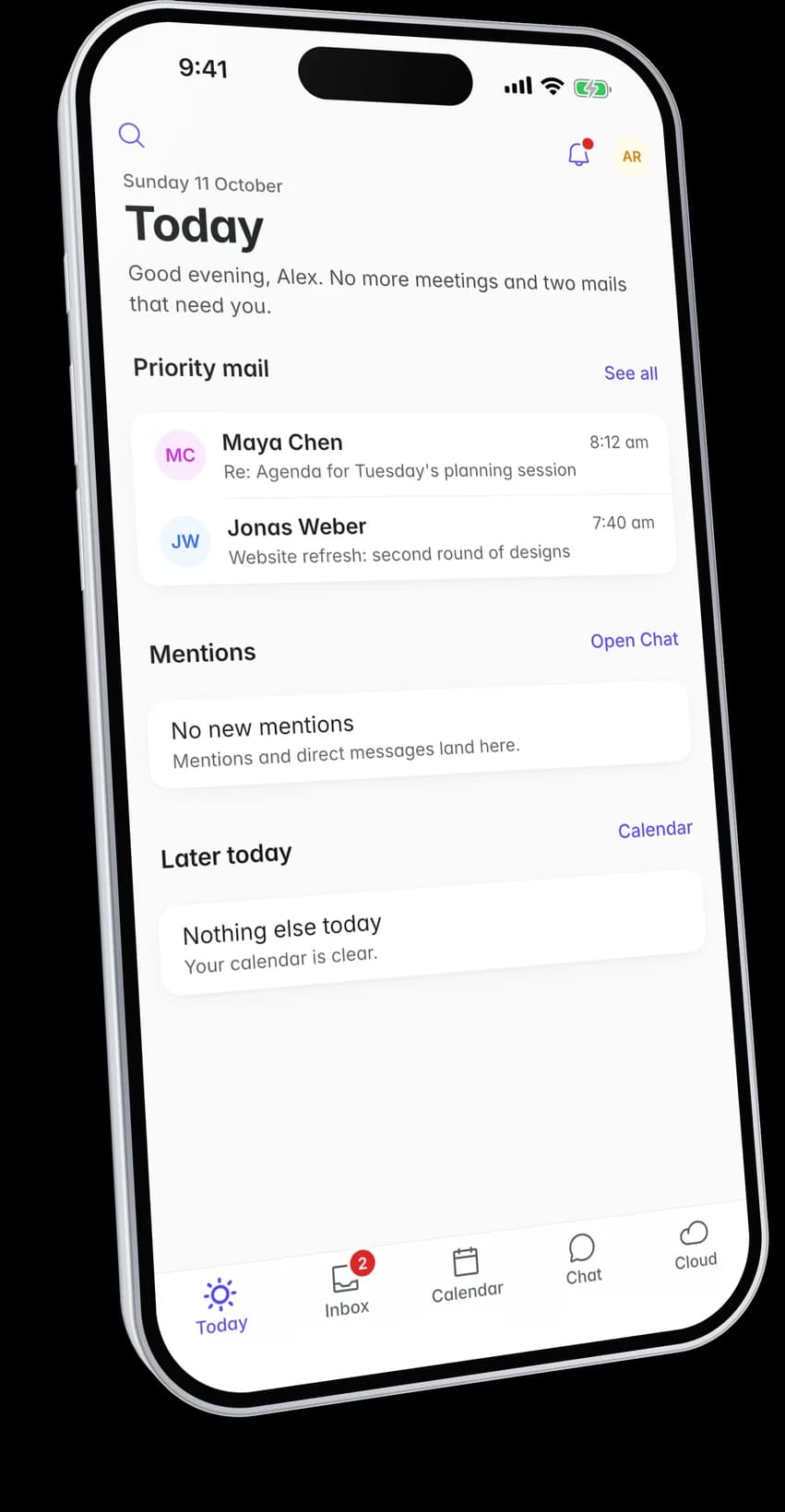
Priority keeps mail from people and decisions apart from the rest, so the messages that need you are the first thing you see. The Today screen puts that mail beside your next meeting and new mentions.

  • Swipe to clear and hold to preview
  • Undo a send before it leaves
  • Mail written offline waits in the Outbox and goes when you reconnect
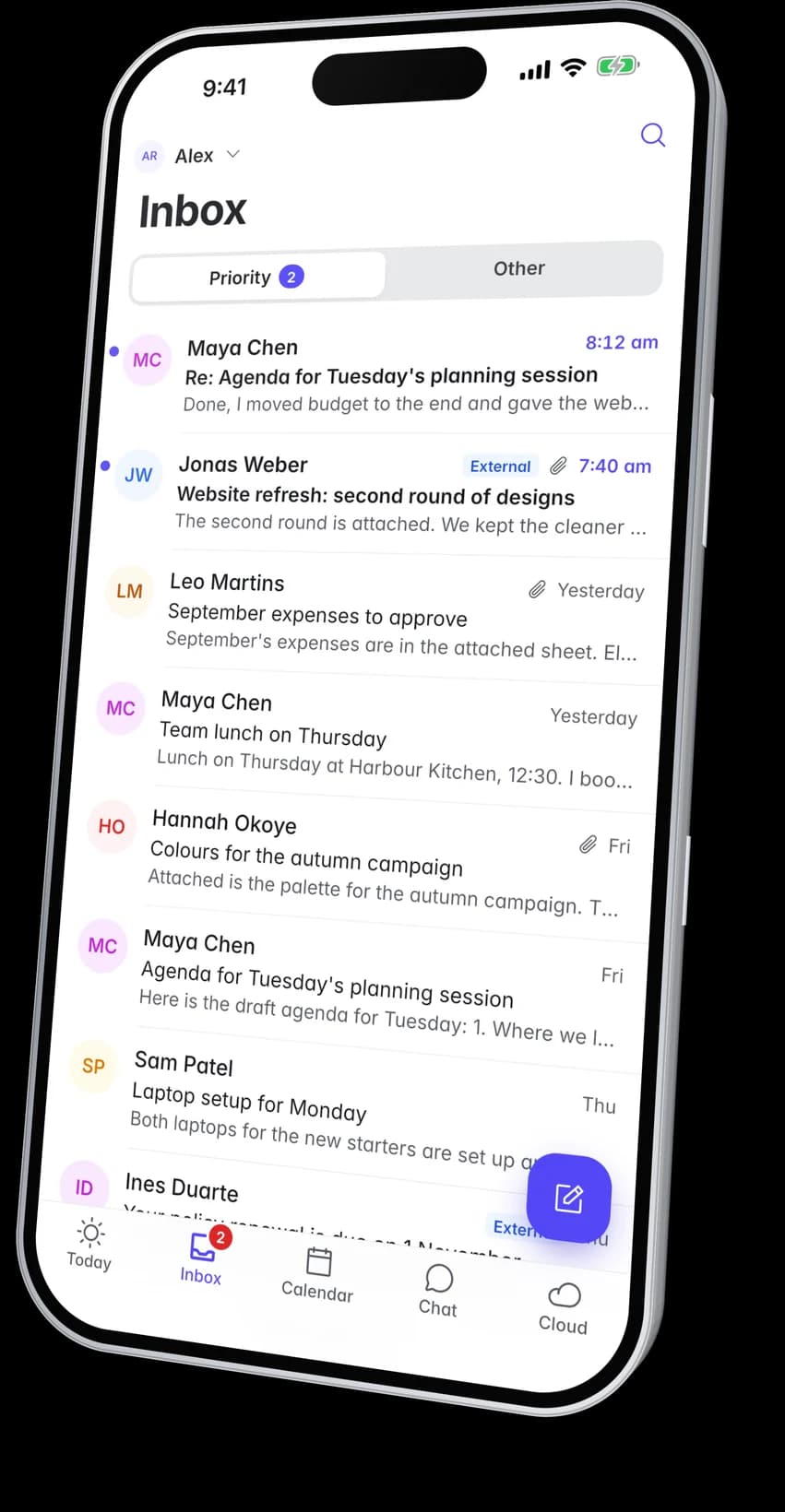
The FLO Inbox on a phone with the Priority tab open

Threads and search

Whole threads, neatly folded.

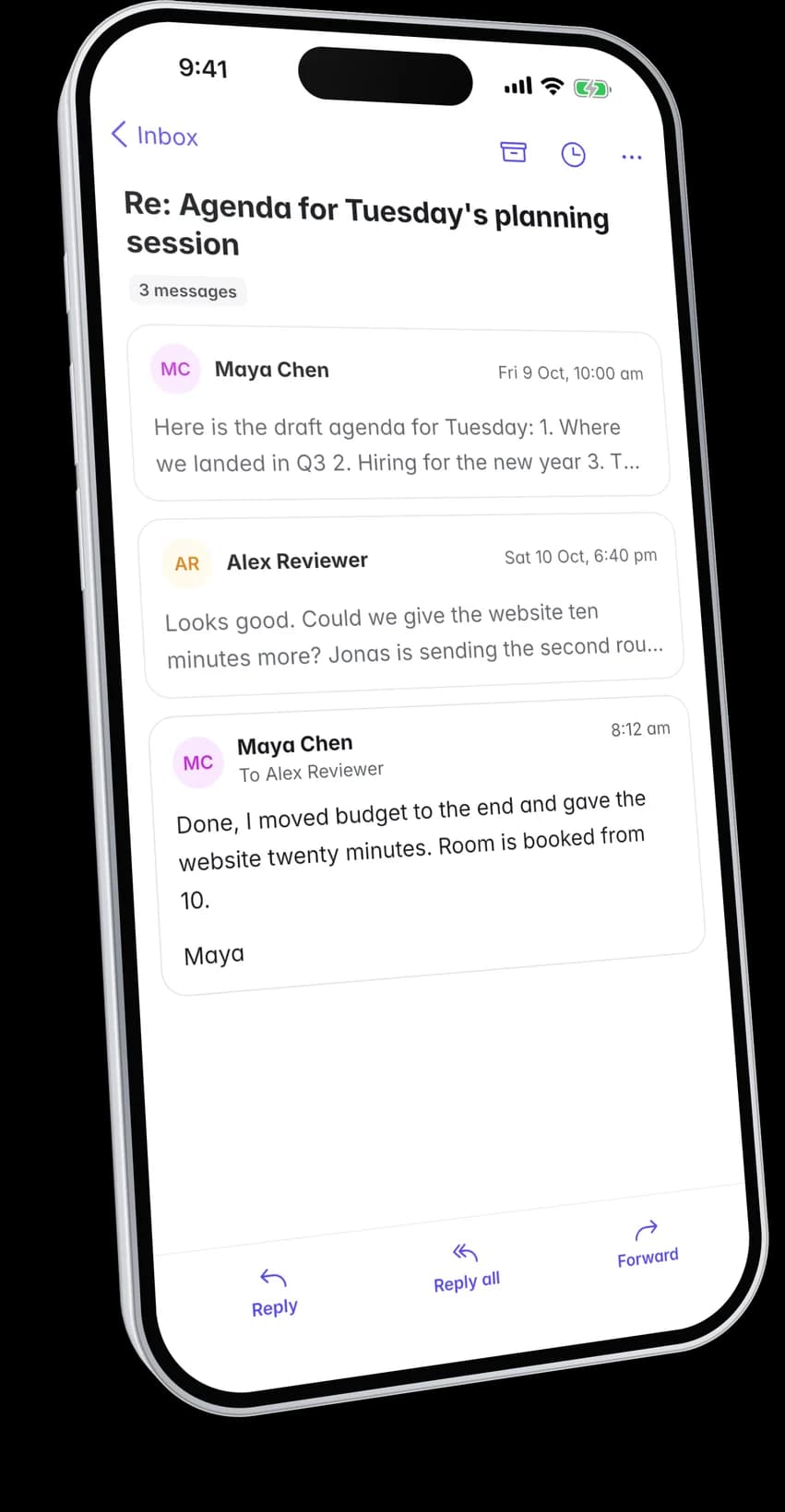
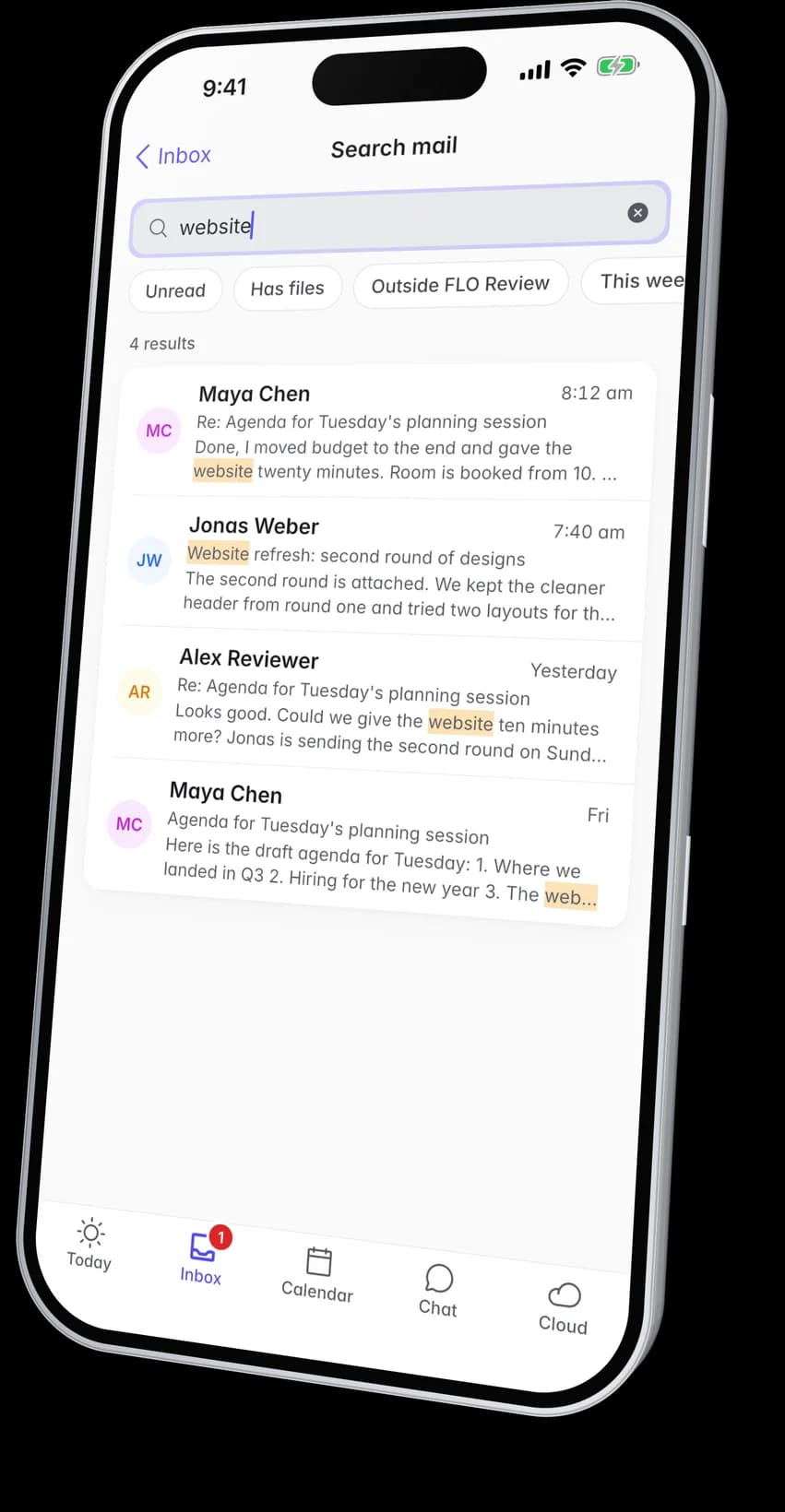
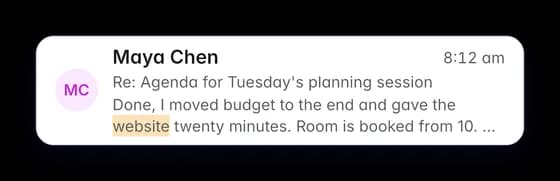
A conversation opens on the latest reply with the history a tap away. Search finds mail by person, subject or word and marks where the word appears.

  • Mail and events are kept on the phone, so they open without a connection
  • Shared mailboxes sit beside your own
A conversation of three messages in the app with the latest reply openMail search in the app with the searched word highlighted in each result

Calendar

Type it. It is planned.

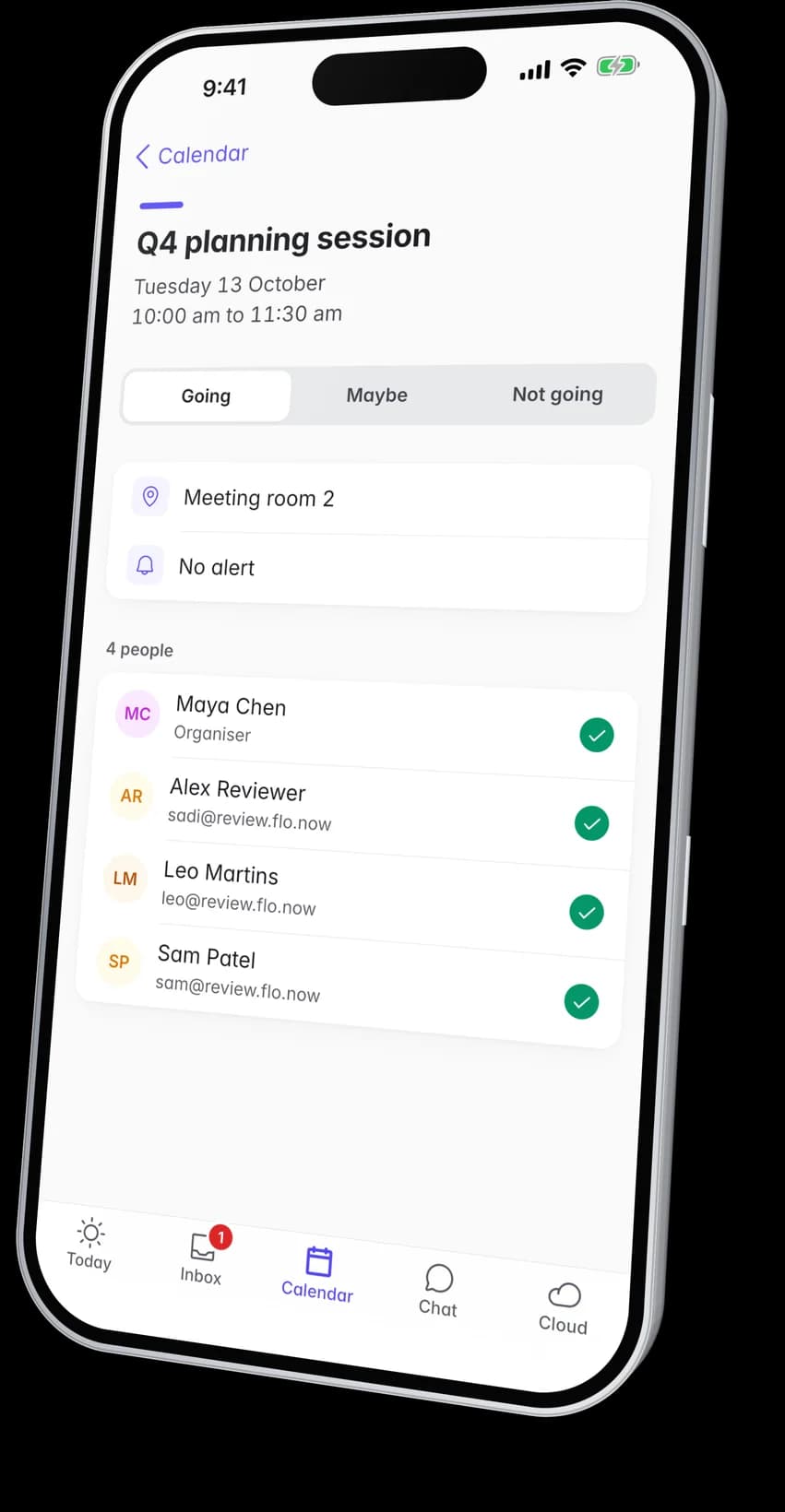
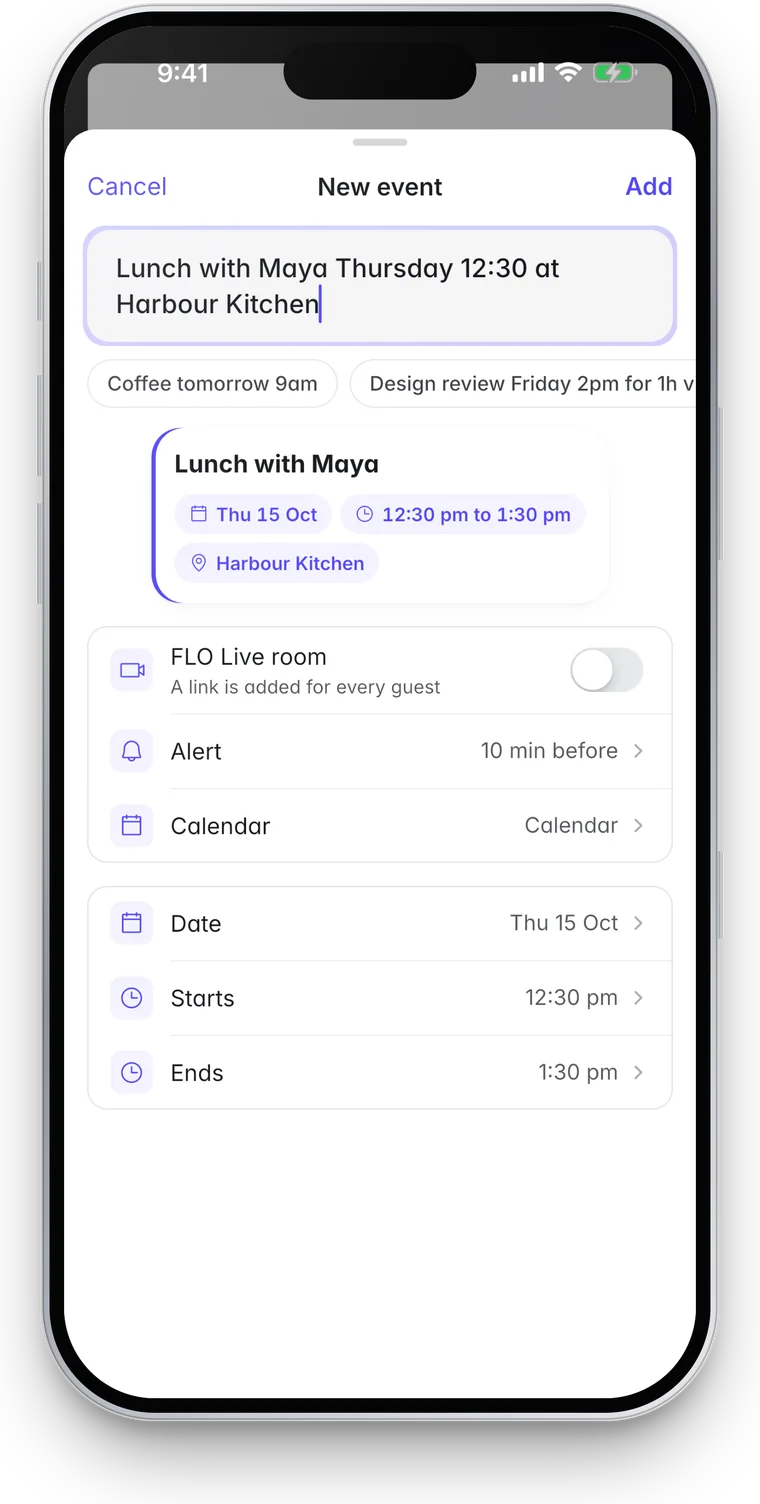
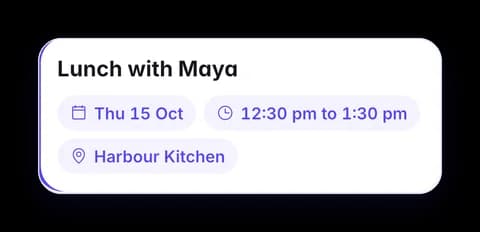
Write a meeting the way you would say it, such as lunch with Maya on Thursday at 12:30. The app fills in the day, the time and the place. Each event lists every guest with their answer.

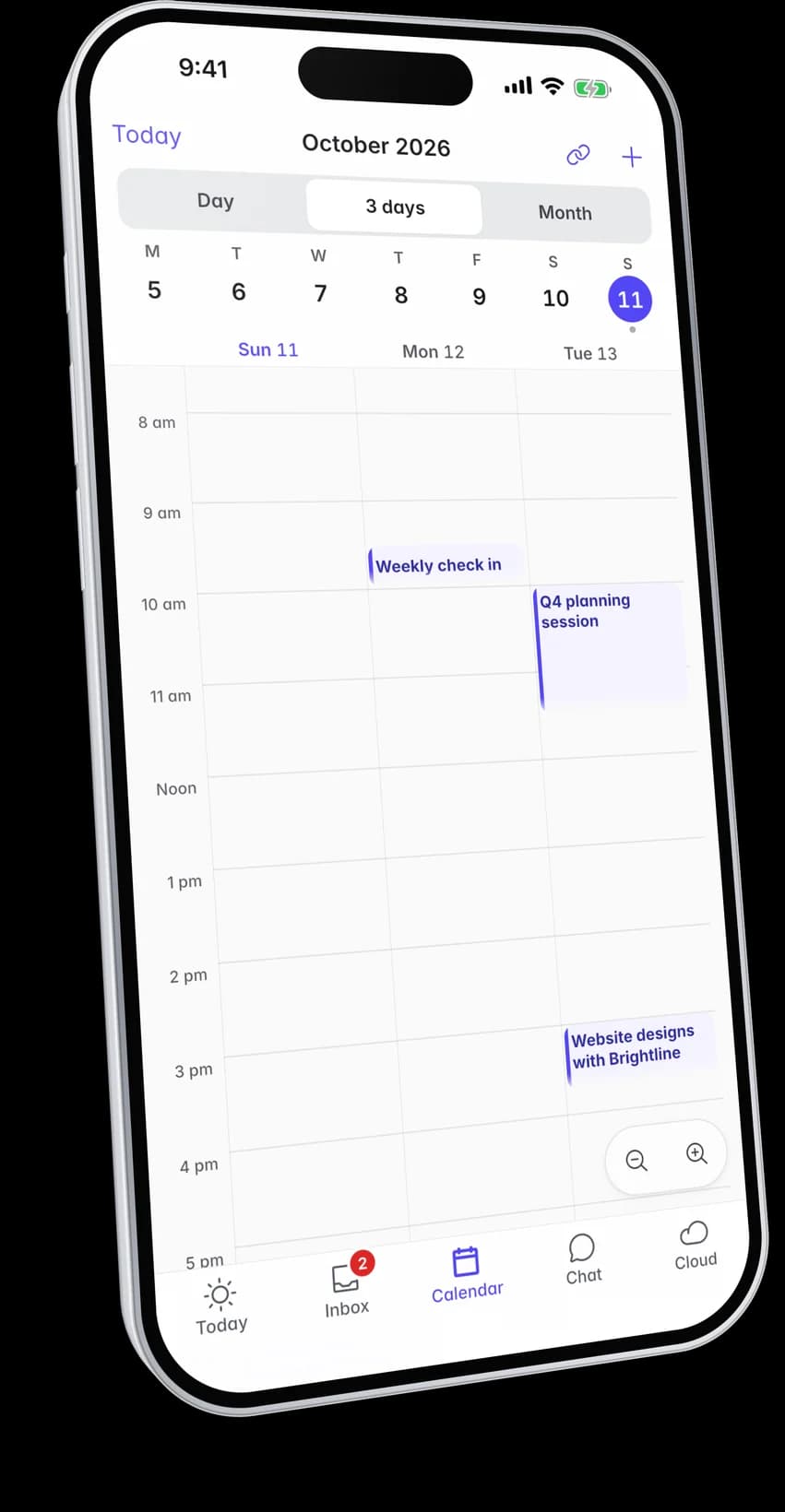
  • Day, three days or the whole month
  • A Live room with a link for every guest, added with one switch
  • Join the meeting from the event
A meeting in the app with its guests and their answersA new event typed as a sentence, with the day, time and place filled in below it

Cloud

Files sealed before they leave the phone.

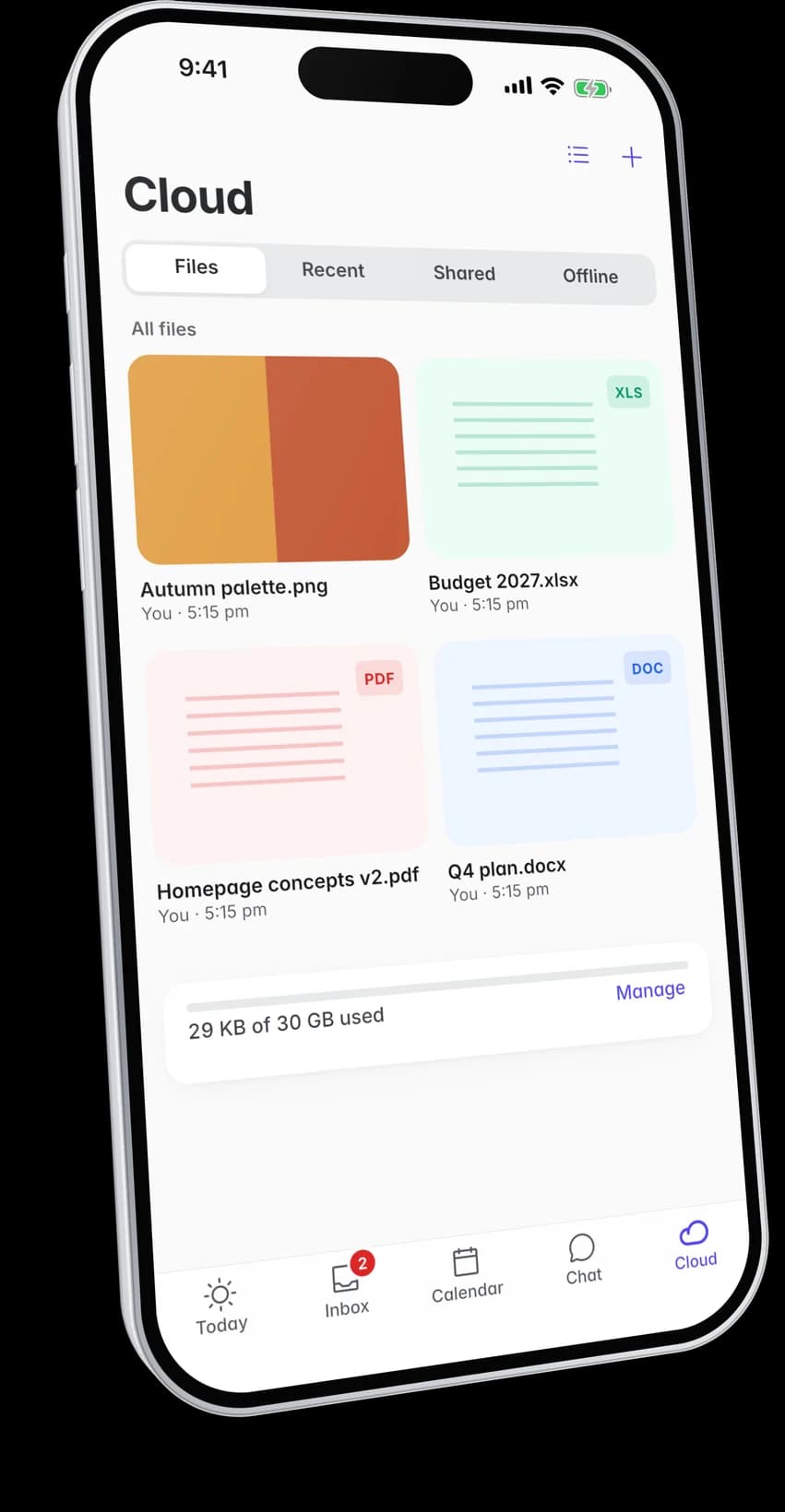
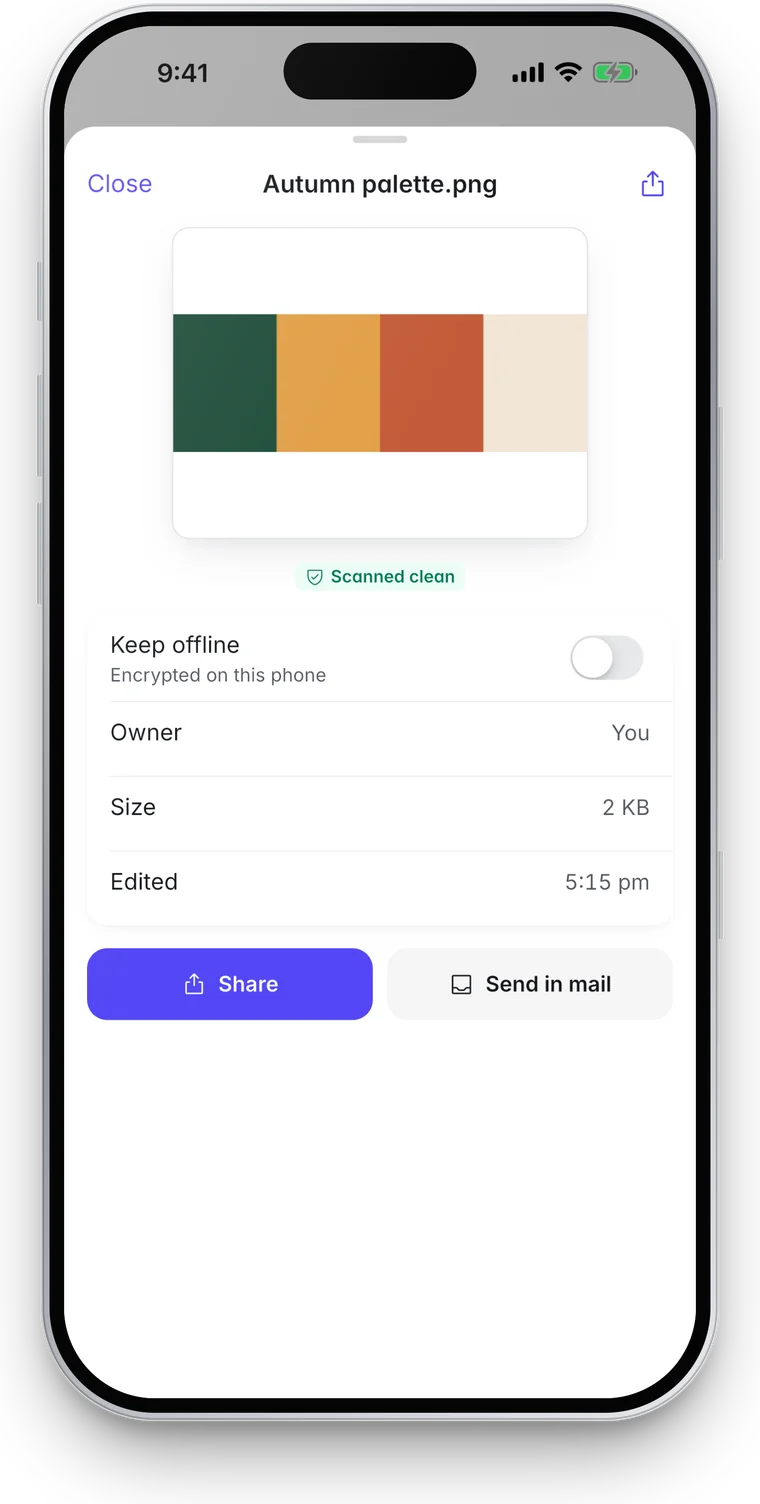
Every upload is encrypted on the phone before it is sent. Each file is scanned once it arrives and the preview shows the result. A file the check holds stays closed.

  • PDFs and images open in the app
  • Files you keep offline are encrypted again under a key for that phone alone
  • Share a file or send it in mail
FLO Cloud on a phone showing four files with their thumbnailsAn image opened in Cloud, marked as scanned clean
The Today screen in the FLO app, signed in to a company account

Security

Your company’s account, on a phone you can clear.

The app is another way into the same account, not a separate service. The mail and files it shows are the ones the browser shows, kept on our side under the key held for your company alone.

  • Signs in like the browser

    The app opens your company's FLO sign in page in the phone's own browser, where you use your passkey. There is no separate password and nobody makes an account in the app.

  • Sign out clears the phone

    Signing out removes the mail, events, messages, offline files and the sign in token from that phone, even without a connection.

  • Notices that say little

    A notice on the lock screen says who a message is from and where it arrived. It never carries the subject or the body.

  • Nothing watching

    The app has no analytics, no advertising identifiers and no trackers. It never reads your phone’s contacts, your location or a file you did not pick.

Mail, meetings and files, wherever you are.

The app comes with your company’s account. Book a demo and we will show it beside the browser, with your own setup in mind.

On its way to the App Store.